


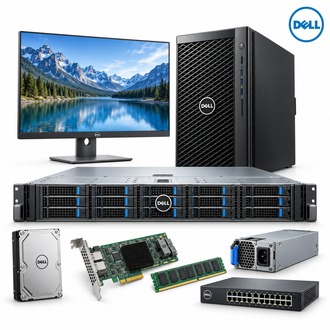
Balanced 1U infrastructure with R450
R450 is a dual-socket PowerEdge platform for general-purpose server workloads. Its compact chassis still requires coordinated choices for CPU, memory, storage, networking and PSU. Use the service tag and full configuration to distinguish one R450 build from another before procurement.
Platform summary
| Selection point | Specification / confirmation |
|---|---|
| Exact model | R450 |
| Platform | Dell PowerEdge R450, 1U rack server |
| Processors | Up to two 3rd Generation Intel Xeon Scalable processors |
| Memory | 16 DDR4 RDIMM slots; speed and maximum capacity depend on CPU/population |
| Drive bays | Options include up to 4 x 3.5-inch or 8 x 2.5-inch SAS/SATA drives |
| Controllers | Supported internal choices include PERC H345/H355/H745/H755 and HBA355i |
| Power | PSU class and redundancy depend on final configuration |
Configuration and rack fit for R450
Plan R450 around the intended application: confirm whether a 3.5-inch, 2.5-inch or NVMe-related storage layout is required, then match the backplane and controller. Check DIMM type, CPU memory speed, rail depth, airflow, power redundancy and network ports against the deployment site.
- Match each processor and RDIMM population to Dell's supported matrix.
- Confirm drive bays, controller, cabling, media and boot mode as one system configuration.
- Plan independent network paths and management access.
- Validate firmware, operating system, backup and recovery procedures.
Acceptance record for R450
Record the service tag, CPU pair, memory map, drive layout, controller mode, PSU type and rail kit for R450. Validate health and firmware before placing the system in service. Keep the exact order string and asset record together for future upgrades.
Use R450 and the service tag to check every future replacement part against the delivered server.
